

Drupal Camp 2012
Running Drupal at Stanford
This session is aimed mostly at developers and contractors working at Stanford who install and tweak Drupal installations or help others do so. It won't cover actually using Drupal once it's installed.
The Stanford Central Web Infrastructure can be a source of frustration, especially if you are used to working on Drupal sites stored on a single server, running off of local disk, and using a single MySQL instance.
There are several pitfalls to watch out for when installing Drupal at Stanford, especially if you do it yourself. You can't ssh into the web servers directly; you need to use one of the corn machines. You can't view the /var/log/apache2 error log when something goes wrong; you need to use the .suexecd file instead. And, no matter what you do, Drupal still reports it can't write to sites/default/files, even if you've run chmod on it and the UNIX permissions are set at 777. What gives?
This session will cover, briefly, the options for running Drupal at Stanford (AFS vs. Stanford Sites in particular). It will then try to convince you that you should use Stanford Sites, and if it fails to do so, it will delve into the idiosyncrasies of the Stanford Central Web Infrastructure that affect Drupal and explain how to get Drupal to behave.
Some of the topics we'll cover:
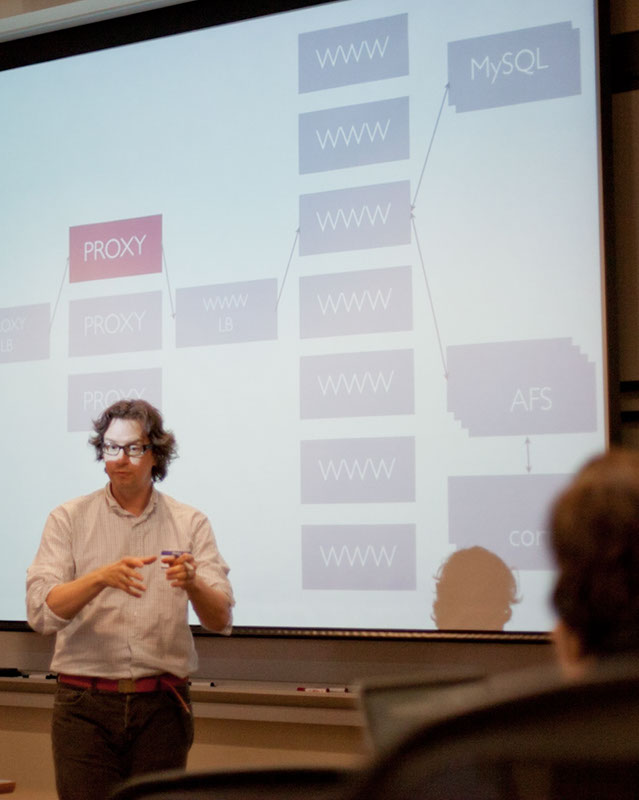
- Central Web Infrastructure Overview (Apache, MySQL, PHP, AFS)
- Ways that vanity URLs (subdomains like drupalcamp.stanford.edu) are handled: Proxy Servers and the Reverse Proxy Module vs. WWW-based virtual hosts)
- AFS ACLs vs. Unix file permissions
- .htaccess rules for file directories
- WMD - WebAuth Module For Drupal
- Using workgroups and PTS groups
- Enabling Clean URLs
- How MySQL replication quirks affect things like the Authenticated User RID
- Basic Security Practices

- Login to post comments